Direct answer
This Big Ambitions factory guide starts with the full production chain: a warehouse registered as a Factory, a selected recipe, the matching machines and workstation, reachable input and output storage, scheduled Factory Workers, imported ingredients, and a Logistics Manager route with a driver and vehicle. Version 1.0 also supports exports, but excessive volume can lower that item's import/export price for the rest of the week.
Choose the product before the building
Begin with the product, not an empty floor plan. Every recipe names its required production machines, workstation, output and ingredients. That list determines how many large objects, staffed stations, storage positions and connected paths the factory must accommodate. A short food line and a multi-machine electronics line therefore impose different space requirements. There is no universally optimal layout, so size the building against the recipe you actually intend to run instead of copying a generic “best” arrangement.
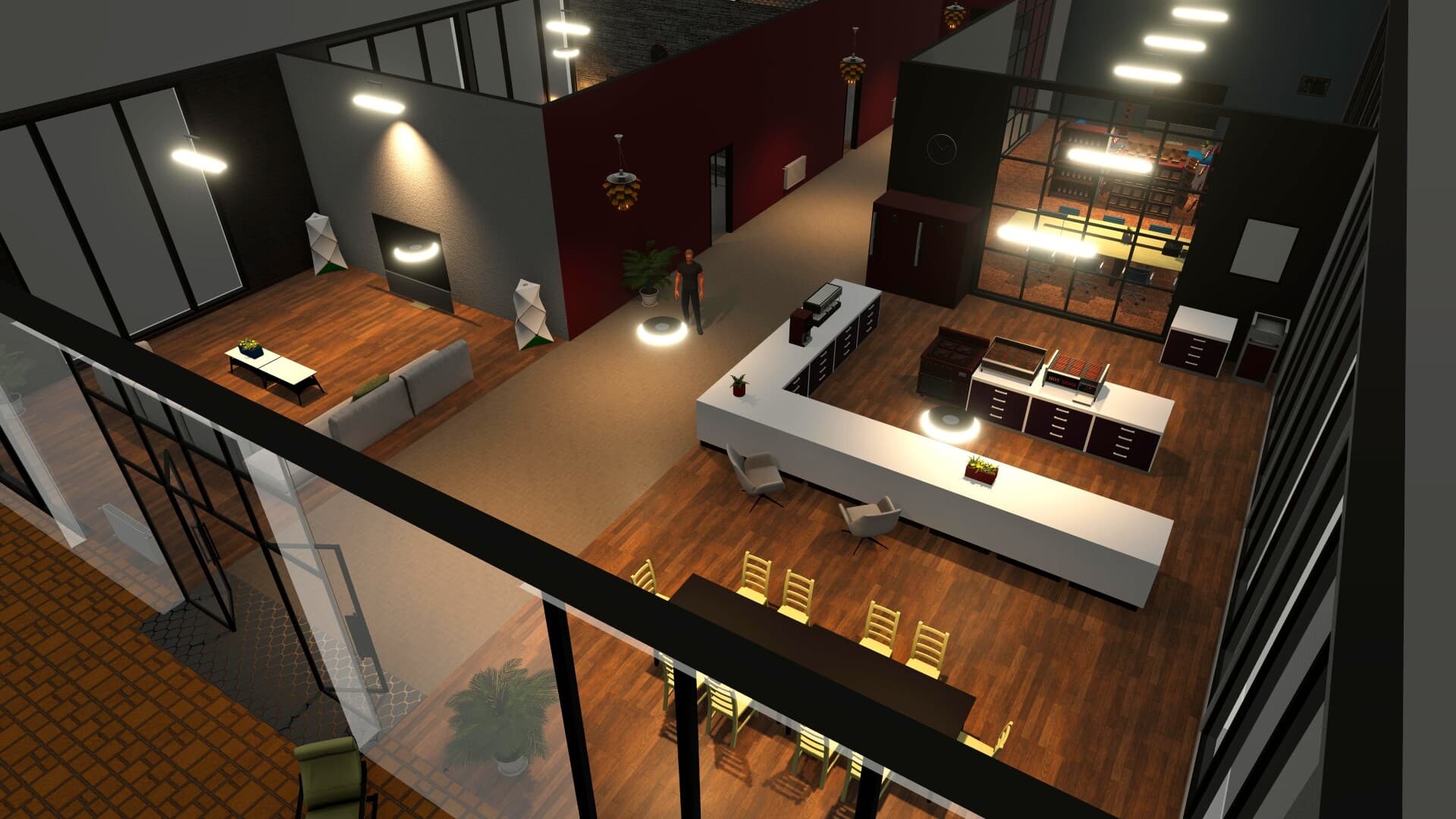
Factories occupy warehouse buildings. After renting or purchasing a suitable warehouse, start a business there and select Factory as its type. Warehouse variants differ in size, internal layout and vehicle bays; retail traffic is not the deciding factor for this production use. Check the recipe and machine list before committing, leave usable access between storage and staffed stations, and account for the bays needed by delivery vehicles. A blueprint can install a complete interior, but it is an optional construction method rather than a substitute for understanding the production chain.
- Select the finished product first.
- Read its exact machines, workstation and ingredients.
- Choose a warehouse with sufficient space and vehicle bays.
- Register the business as Factory.
- Treat blueprints as an optional installation method.
Build, connect and supply the production line
Buy only the machines named by the chosen recipe and add its workstation. Available machines include Automated Baking Machine, Food Assembly Machine, Industrial Blending Machine, Kiln Machine, Polishing Machine, Bottling Machine, Consumer Goods Assembly Machine, Industrial Sewing Machine and Laser Cutting Machine. Blue arrows mark required inputs and an orange arrow marks output, so keep those sides reachable through every stage.
Ingredients and finished products both need storage, and workers must be able to reach the correct shelf plus the input and output stations. Create importer contracts through a Purchasing Agent in Headquarters and send orders to the factory's warehouse stock. Quantities are ordered as units rather than boxes; check the live interface for current limits and delivery times.
- Match every machine to the selected recipe.
- Keep blue input and orange output sides unobstructed.
- Install the recipe’s specified workstation.
- Provide reachable storage for inputs and outputs.
- Send imported ingredients to the factory warehouse.
- Confirm current ordering rules in the live UI.
Staff the stations and verify production
Factory Workers handle input and output stations; the player cannot fill those jobs personally. Recruit them, assign them to the factory and place them in the open input/output slots under BizMan → Schedule. Purchasing Agents manage ingredient contracts, while Logistics Managers move finished stock onward. Each Headquarters manager needs a desk, chair and computer.
Test the chain from one end instead of relying on a visually connected layout. Confirm ingredients, worker schedules, machine product settings, open paths and output capacity in that order. Use the recipe's batch output as the starting reference and add parallel machines only after observing the actual cycle time in your save.
- Schedule Factory Workers at input and output stations.
- Keep workers’ routes to storage clear.
- Give Purchasing Agents and Logistics Managers equipped Headquarters desks.
- Check ingredients, assignments, machine settings and storage space.
- Scale only from observed recipe behavior.
Store output, deliver it and handle exports carefully
Finished products leave through the machine’s orange output side and must reach available output storage. To supply your own businesses, place a delivery vehicle in a factory bay, assign a Delivery Driver, connect a Logistics Manager to the factory and add store destinations. For each destination, set the stock level the route should maintain. Delivery still depends on the factory holding the product and the destination having storage capacity. A route, driver and vehicle cannot deliver goods that were never produced or cannot be stored at the receiving business.
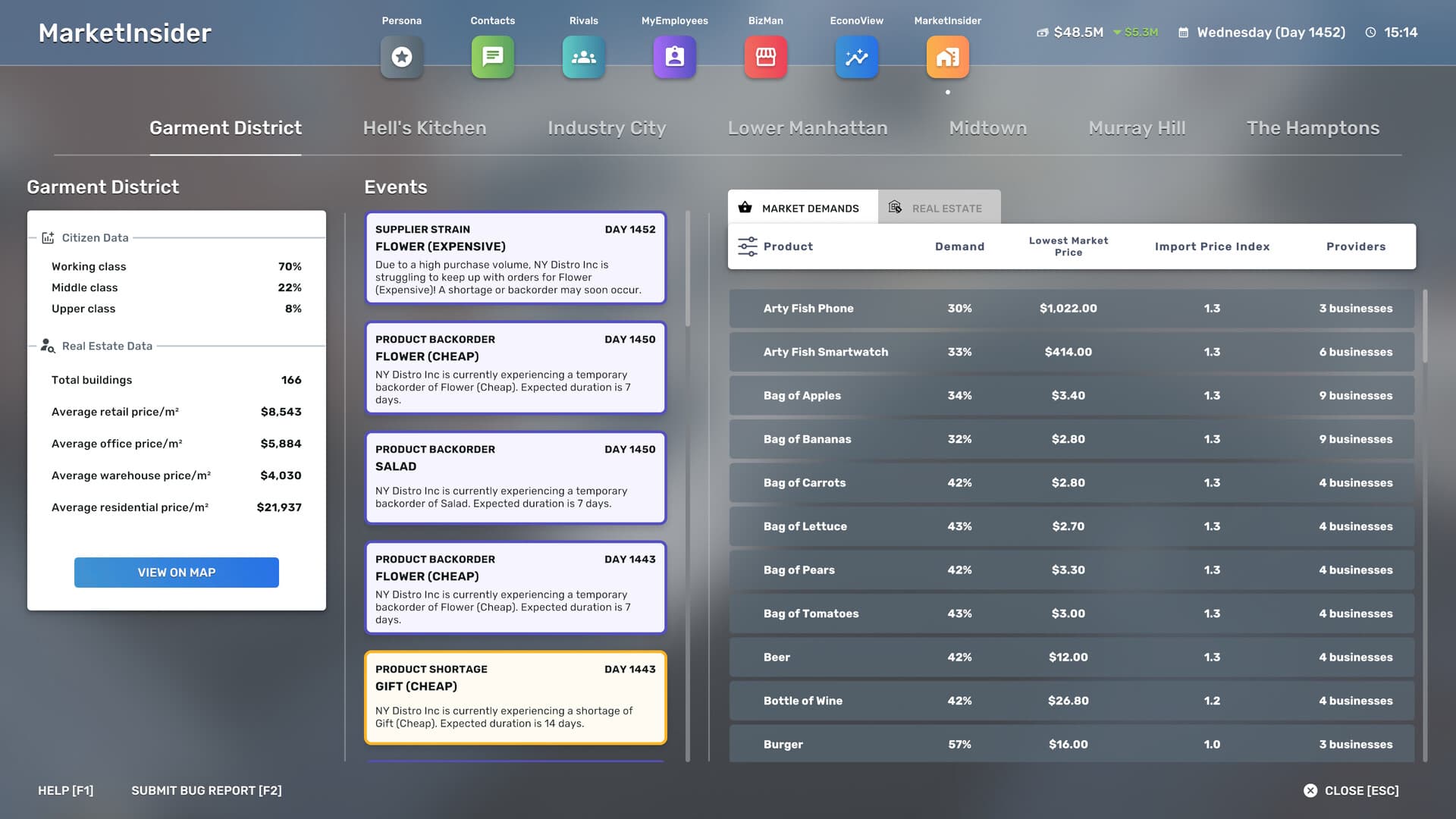
Version 1.0 added goods exports to the factory loop. Exporting too much lowers the affected item's import/export price for the rest of that week through the import index. There is no fixed safe quantity: monitor the current price, increase batches gradually and avoid treating unlimited overproduction as automatic profit.
- Reserve storage for completed products.
- Assign a vehicle and Delivery Driver to a factory bay.
- Connect a Logistics Manager and add destinations.
- Set destination stock targets and verify receiving capacity.
- Watch the weekly import/export price when exporting.
- Start with a small export batch and increase it only while the current price remains acceptable.
Frequently asked questions
Why is my factory not producing?
Verify that the business type is Factory, the recipe’s ingredients are in stock, all required machines and the workstation are present and configured, Factory Workers occupy the input/output schedule slots, their paths to storage are clear, and output storage has capacity.
Why are finished goods not reaching my stores?
The factory needs the product in stock, a vehicle and Delivery Driver assigned to its bay, a Logistics Manager connected to the factory, a configured destination and enough storage at the receiving store.
Can a factory export excess production?
Yes. Version 1.0 supports exports, but excessive volume can reduce that item's import/export price for the rest of the week. Monitor the current price because there is no universal safe quantity.