Direct answer
The newest item in the current official Steam news feed is “Big Ambitions 1.0 FULL RELEASE,” posted August 28, 2026. It is the current release milestone and includes the launch changelog, but it does not publish a build number. EA 0.11 build 3542 is an earlier July 7 patch, not a safe substitute for the current 1.0 build. Use the dated release timeline below and open the official article for exact fixes.
Current release status: version 1.0
Steam's release-day article confirms version 1.0 on August 28, 2026. The full launch changelog includes the Hamptons, Private Driver, Speedy Bites, banking and tax changes, three minigames, the HQ Pricing Manager, 27 new achievements, tutorial changes, interface improvements, and a long bug-fix list.
The same article does not print a build number. Build 3542 belongs to the July 7 EA 0.11 patch and must remain labeled as such. If you are troubleshooting a current installation, compare the installed branch and version shown by Steam with the newest matching official article instead of carrying an Early Access build number forward.
- August 28, 2026: Big Ambitions 1.0 FULL RELEASE.
- August 14, 2026: full-release preview and detailed feature rundown.
- July 7, 2026: EA 0.11 build 3542 patch notes.
- The 1.0 article publishes no build number.
Verified summaries from individual patch articles
The July 7, 2026 article for EA 0.11 Build 3542 reports focused fixes. Factories no longer report their entire “up to” delivery amount when less was delivered; blueprint-creator localization and MarketInsider sorting or missing-list problems were addressed; cinemas regained missing delivery spots; and broken dirt spots that could freeze theater customers were fixed. It also addresses a black screen caused when an NPC vehicle despawned during building entry.
Build 3542 additionally introduced automatic crash reporting for players who opted into anonymous gameplay tracking and attempted fixes for cases where pressing Escape left players stuck. The article asks affected players to press F2 and submit a bug report. Those statements belong specifically to Build 3542; they should not be generalized to every branch, earlier build, or later 1.0 installation without confirmation.
- Factory delivery reporting was corrected in Build 3542.
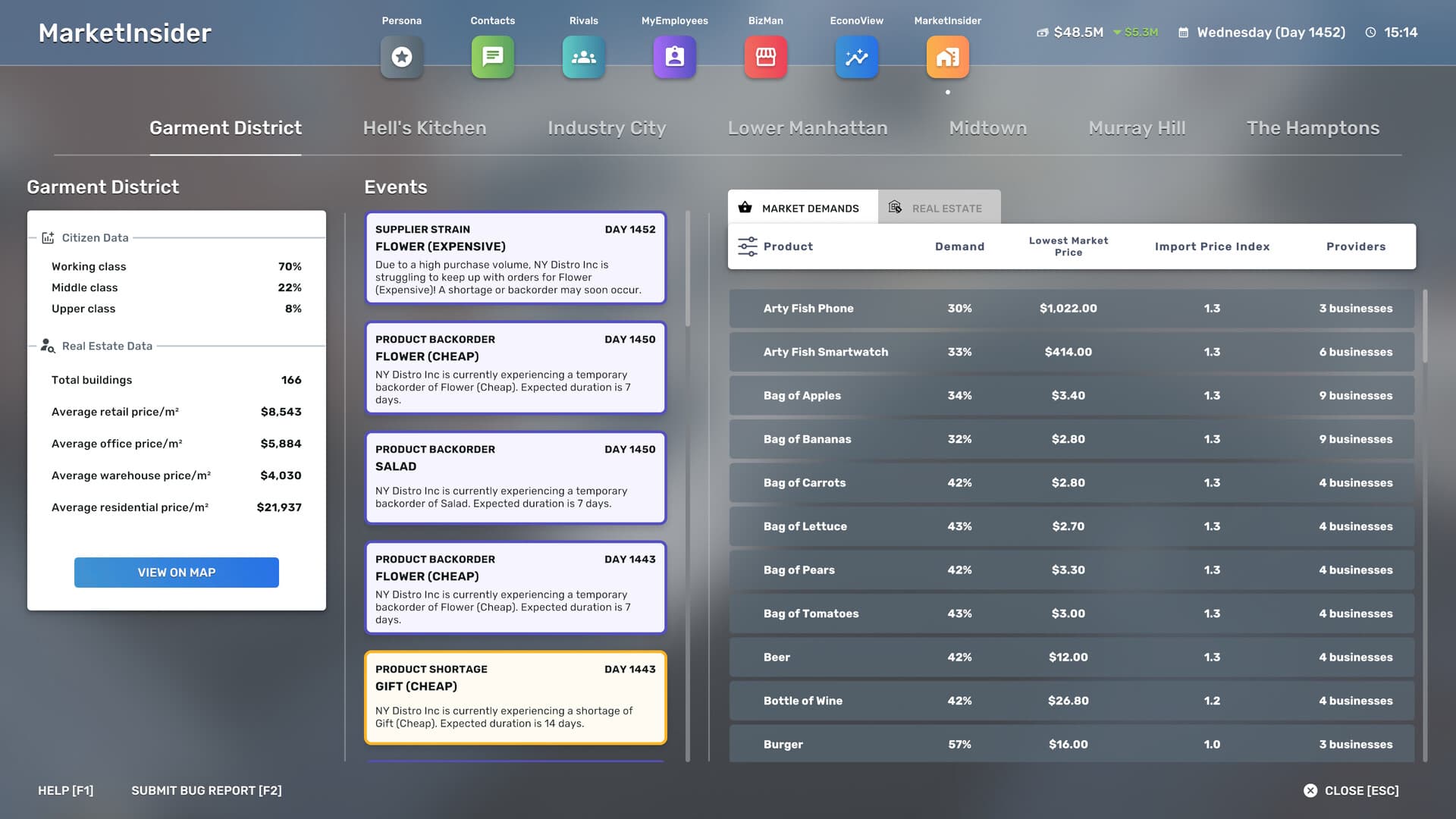
- Blueprint Creator and MarketInsider issues received fixes.
- Cinema delivery spots and theater customer freezes were addressed.
- An NPC-despawn-related black screen was fixed.
- Opt-in crash reporting and Escape-key stuck-state fixes were added.
What builds 3538/3539 and 3540 changed
The June 23 article separates builds 3538 and 3539. Build 3539 targeted GeForce Now problems involving employee hour complaints, expanding daily wages, and new saves. Build 3538 updated localization; corrected shipped-item tracking for factories; adjusted MarketInsider demand displays; added parked electric-scooter vehicle colliders; fixed several factory-delivery, blueprint-compatibility, queue-editing, labeling, and machine-price issues; and added BizMan and MyEmployees filters.
The June 25 Build 3540 article is narrower. It says the preceding patch appeared to resolve the GeForce Now issue, while noting that some players stuck at 9 percent loading recovered after restarting their computer. Its changelog fixes a cheese platter incorrectly behaving like a Honza when removed from vehicle storage, free vehicle repair after reloading inside a repair station, inability to leave a repair shop after leaving a vehicle there, and an incorrect day count in a second tax warning.
- Build 3539 focused on identified GeForce Now problems.
- Build 3538 covered factories, MarketInsider, blueprints, scooters, and filters.
- Build 3540 followed with four narrowly described fixes.
- Each summary is limited to the contents of its own official article.
How to identify the current build without guessing
Start by distinguishing article type and game branch. A title containing “Preview Build” concerns a preview build; one containing “EA” concerns the Early Access line represented by that article; and a full-release announcement establishes a named release even if it publishes no numeric build. Sort official Steam news by publication time, then open the newest build-specific item relevant to the branch you are actually using rather than assuming the largest visible number applies everywhere.
Next, compare that official item with the version or build information shown by your installed game and make sure Steam has finished applying available updates. The 1.0 release article is newer than the cited EA 0.11 patch entries and has no numeric build. Build 3542 belongs to the July 7 EA 0.11 article. Match fixes to the installed version and the newest official news item for the same branch.
- Read the complete title for EA, preview, release, and build labels.
- Use publication order only after filtering for the relevant branch.
- Compare the article label with the installed game’s displayed information.
- Do not carry Build 3542 forward as an undocumented 1.0 version.
- Recheck official Steam news after new announcements or updates.
Frequently asked questions
What is the current Big Ambitions build number?
No numeric 1.0 build is printed in the release announcement. Build 3542 belongs to the earlier EA 0.11 article. Match your installed version against the newest official news item for the same branch.
Where should Big Ambitions patch notes be checked?
Use the official Steam news feed and open the individual article for the named build or release. Its title establishes the target build, while its contents establish the fixes or additions that can safely be summarized.
Are preview-build notes the same as live-release notes?
Not automatically. Steam titles label preview builds, Early Access builds, and releases separately. Apply an article only to the branch and build it names unless a later official item explicitly carries the change forward.